


New article
Recently updated
Managing form groups in InForm

Who is this article for?
Administrators who want to learn to add, edit and delete form groups in InForm.
Administrator permissions are required.
Form groups enable administrators to categorise forms, control access, and streamline form management processes within their organisation.
Understanding the Settings tab
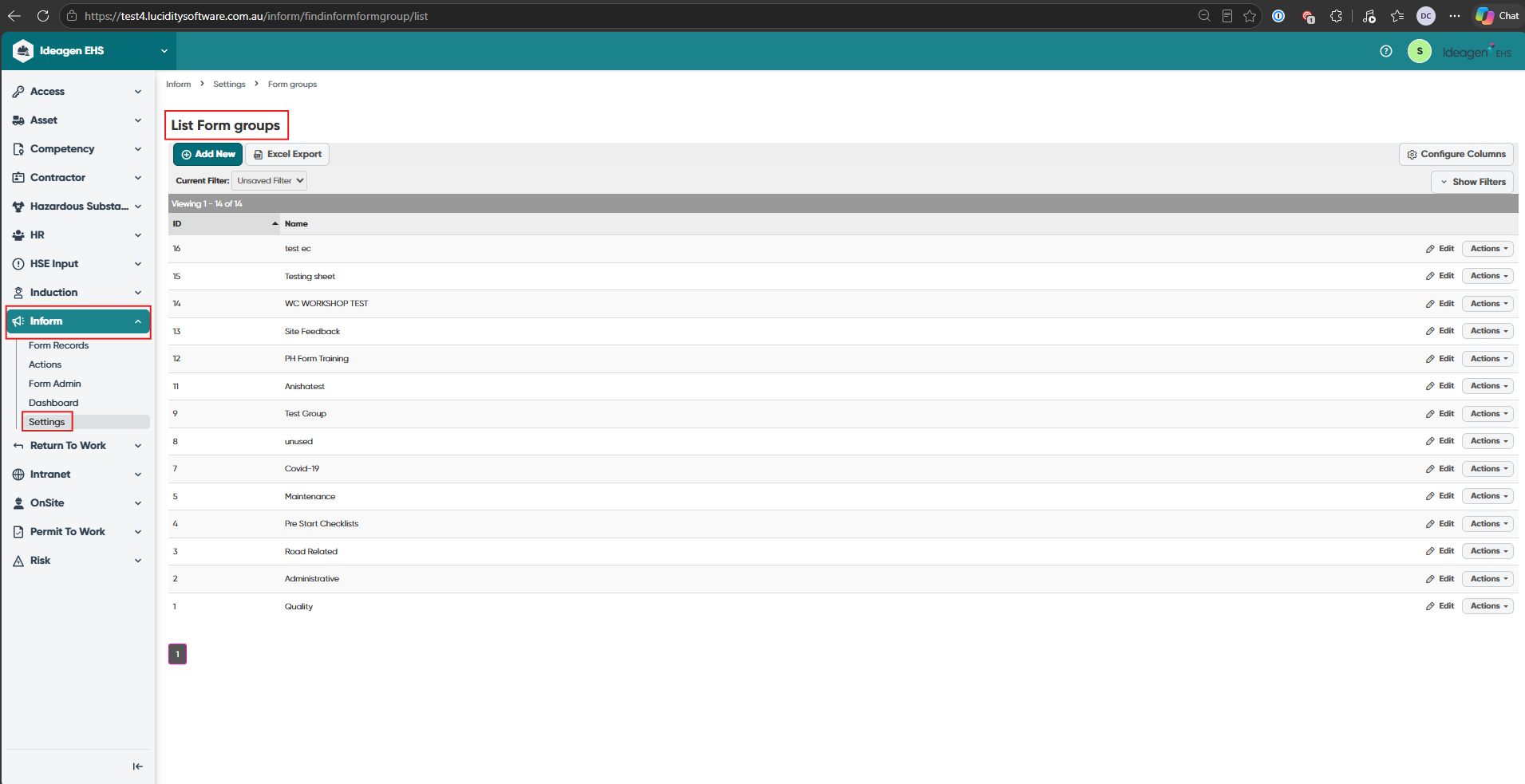
The Settings tab is only available to the system administrator and is where form groups are created and managed. Form groups are categories for filing forms and enable forms to be restricted to specific users or user groups via Ideagen EHS Core Access.
Watch this video for an overview of form groups:
Video: Form Groups
Understanding form group permissions
Important: When a new form group is added to InForm, it will not be accessible to any end-user who has scoping applied. For example, an end-user named Joe Bloggs has been scoped to only allow access to forms in the Safety Reports form group. If an administrator creates a new form group called Site Inspections, Joe will not be able to view any forms or form records under the Site Inspections form group unless his permissions are updated in Access.
Adding a new form group
To add a new form group:
- Click Add New.
- Enter a name for the form group.
- Click Save.

Editing a form group name
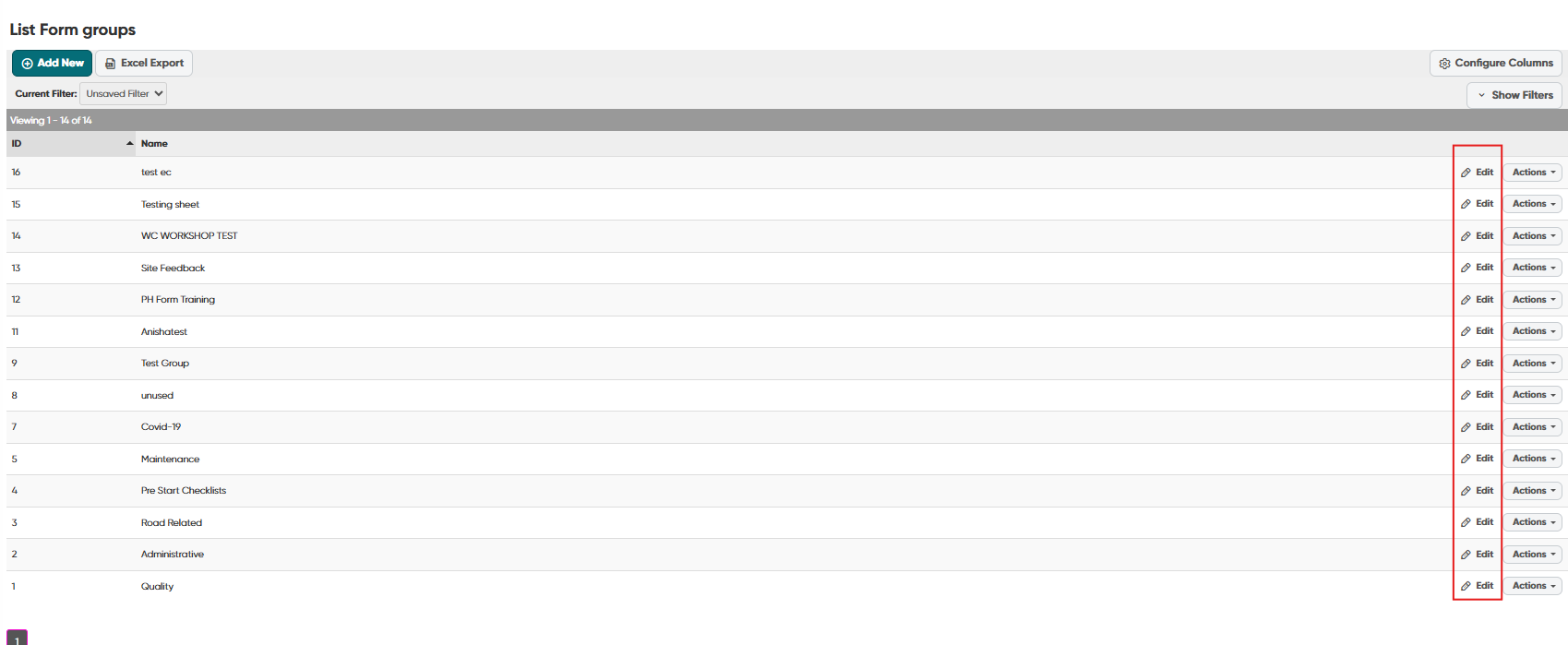
To edit a form group name:
- Use filters to locate the form group that requires editing.
- Click Edit on the far right.
- Edit the name as required.
- Click Save.
Deleting a form group
To delete a form group:
- Use filters to locate the form group that requires deletion.
- Click Actions on the far right.
- Click Delete.
- Confirm deletion.

Important: Deletion of a form group will remove the form group from the Form Records page. Any associated form records can now only be accessed via the List All option. Deletion of form groups cannot be undone, so always proceed with caution when using the delete button.
Accessing system settings within Access
Some settings for InForm are managed via the Settings tab within Access as they apply to more than one EHS Core application. These include:
- Division
- Location
- Business Unit
- Project